
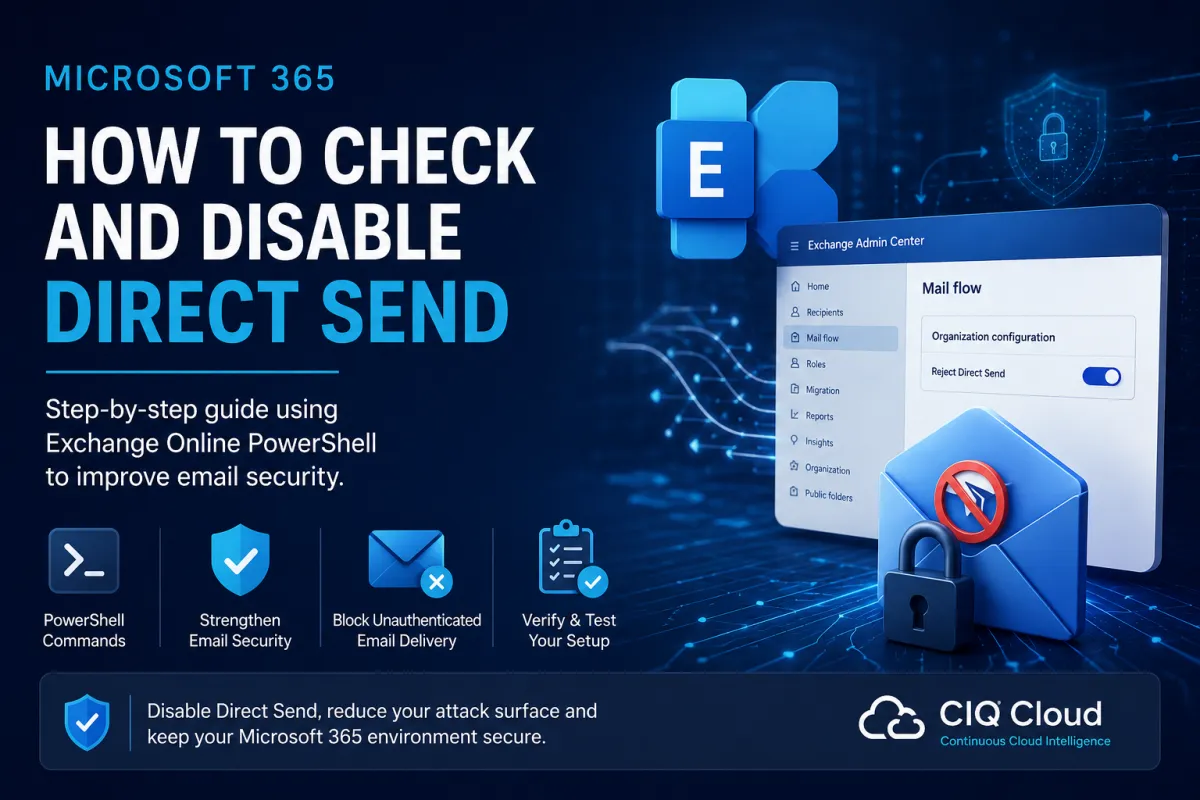
Step by step guide to disabling Direct Send
How to Disable Microsoft 365 Direct Send (Step-by-Step Guide)
Step by step guide to disabling Direct Send
Microsoft recently introduced the ability to block Direct Send within Exchange Online, giving organisations another way to reduce their Microsoft 365 attack surface.
If you've already read our article explaining what Microsoft Direct Send is and why it can present a security risk, this guide explains exactly how to determine whether Direct Send is enabled in your tenant, how to test whether it's being used, and how to disable it safely.
Whether you're responsible for a single Microsoft 365 tenant or hundreds of customer environments, these steps will help you improve your email security.
What is Direct Send?
Direct Send allows devices and applications to send email directly to recipients inside your Microsoft 365 tenant without authenticating as a mailbox.
Historically this has been useful for:
Multi-function printers
Network scanners
Monitoring systems
Building management systems
Legacy business applications
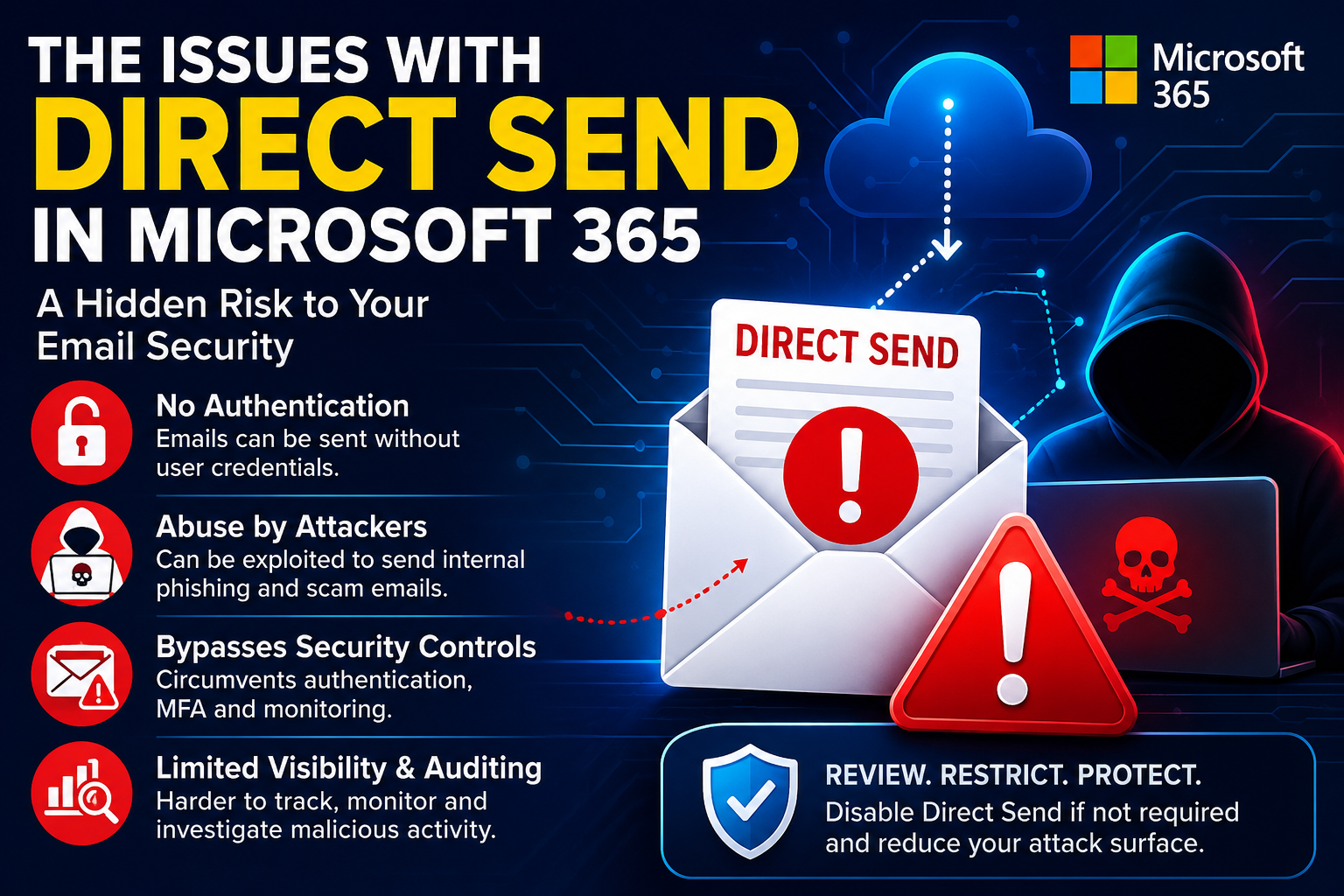
However, because no mailbox authentication is required, Direct Send can potentially be abused by attackers who have access to your internal network.
For organisations that no longer require it, Microsoft now recommends enabling RejectDirectSend to prevent unauthenticated email delivery.
Before You Disable Direct Send
Before making any changes, identify whether any business-critical systems still rely on Direct Send.
Common examples include:
Printers and scanners
Monitoring and alerting platforms
ERP or CRM applications
Visitor management systems
Legacy SMTP-enabled software
If you're unsure, speak with the relevant application owners before making any changes.
Step 1 – Connect to Exchange Online PowerShell
Install the latest Exchange Online Management module if required.
Connect using:
Connect-ExchangeOnlineAuthenticate using an Exchange Administrator or Global Administrator account.
Step 2 – Check Whether Direct Send Is Enabled
Run:
Get-OrganizationConfig |
Select Identity, RejectDirectSend
Example output:
Identity RejectDirectSend
contoso.onmicrosoft.com False
Understanding the Results
If the value is False, your organisation still allows unauthenticated Direct Send.
Step 3 – Check Whether Anything Is Using Direct Send
Before enabling RejectDirectSend, determine whether any devices are currently relying on it.
Using Exchange Admin Center
Open:
Exchange Admin Center → Mail Flow → Message Trace
Review recent messages for:
Printer-generated emails
Scanner notifications
Monitoring alerts
Internal application emails
Legacy SMTP devices
Look for messages where the sender is not an authenticated mailbox.
Also review:
Exchange Connectors
Mail Flow Rules
SMTP Relay configurations
Internal application documentation
Many organisations discover that Direct Send is no longer required.
Step 4 – Enable Reject Direct Send
If you've confirmed Direct Send is no longer needed, enable Microsoft's protection.
Run:
Set-OrganizationConfig -RejectDirectSend $trueThe setting typically becomes active within approximately 30 minutes.
Once enabled:
Direct Send connections are rejected.
Authenticated SMTP continues to function normally.
Microsoft Graph email delivery is unaffected.
Modern authentication continues to work as expected.
Step 5 – Verify the Configuration
Run:
Get-OrganizationConfig |
Select RejectDirectSend
Expected result:
RejectDirectSend
----------------
True
This confirms that Direct Send has been disabled.
Step 6 – Test Your Environment
Test any systems that previously sent internal email.
Examples include:
Printers
Scanners
Monitoring platforms
Business applications
If a device was relying on Direct Send, it should now receive an error similar to:
550 5.7.68 TenantInboundAttribution;
Direct Send not allowed for this organization
This confirms that unauthenticated Direct Send has been blocked.
What If Something Stops Working?
If a legitimate application stops sending email, avoid simply re-enabling Direct Send.
Instead, migrate the application to one of Microsoft's recommended methods:
SMTP AUTH
Microsoft Graph API
Authenticated SMTP Relay
Exchange Online Connector using approved IP addresses
These options provide authentication, auditing and significantly stronger security.
Can This Be Done Through the Exchange Admin Center?
Microsoft has started introducing a Reject Direct Send setting within the Exchange Admin Center.
However, the feature is still being rolled out and may not yet appear in every tenant.
For this reason, PowerShell remains the recommended and universally supported method for checking and configuring the setting.
Why Continuous Monitoring Matters
Checking this setting once is a good start, but Microsoft 365 environments change constantly.
New printers are installed, applications are upgraded, administrators change mail flow rules, and inherited customer environments often contain legacy configurations that nobody realises still exist.
Without regular security reviews, Direct Send could easily remain enabled—or even be reintroduced—without anyone noticing.
How CIQ Cloud Helps
For organisations managing multiple Microsoft 365 environments, manually checking every tenant via PowerShell quickly becomes time-consuming.
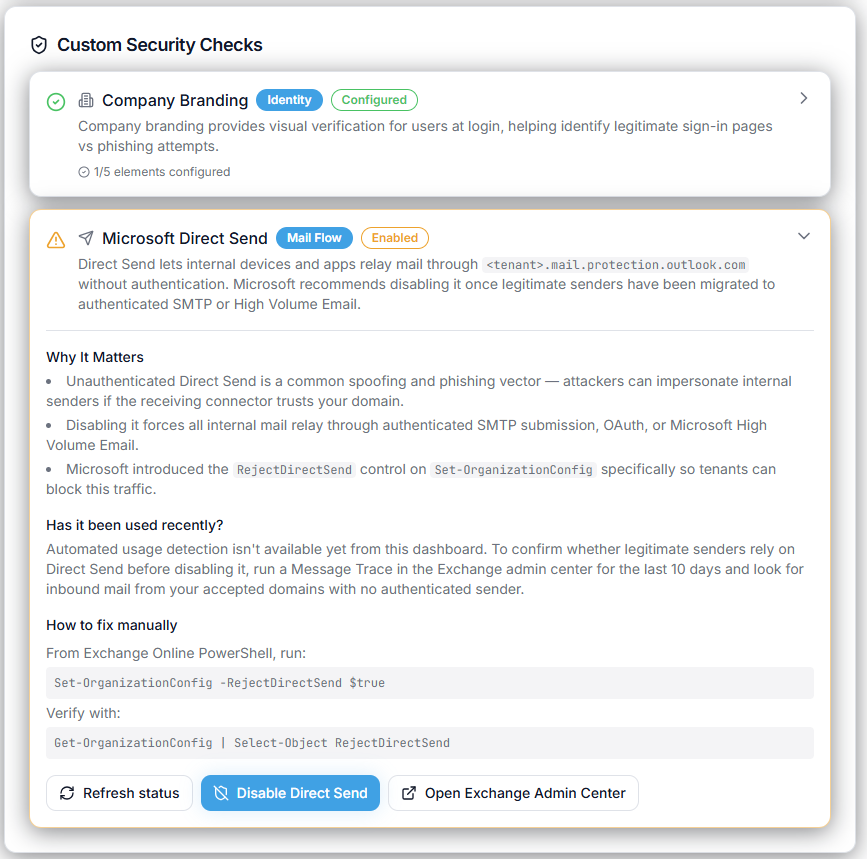
CIQ Cloud continuously assesses Microsoft 365 security settings, including whether Direct Send is enabled, and alerts administrators whenever a tenant falls outside your chosen security baseline.
Rather than relying on periodic manual checks, IT teams and Managed Service Providers gain continuous visibility into their Microsoft 365 security posture, helping identify risks before they become vulnerabilities.
Combined with monitoring of Microsoft Secure Score, Entra ID, Conditional Access, Microsoft Teams, Exchange Online and other Microsoft 365 services, CIQ Cloud provides a single platform for continuously improving security and compliance across your cloud environment.
Final Thoughts
Blocking Microsoft Direct Send is one of the simplest changes many organisations can make to reduce their Exchange Online attack surface.
By confirming that legacy applications no longer rely on Direct Send, enabling Microsoft's RejectDirectSend setting and adopting authenticated alternatives such as SMTP AUTH or Microsoft Graph, organisations can significantly strengthen their email security while maintaining business continuity.
Whether you perform these checks manually or automate them using CIQ Cloud, regularly reviewing your Microsoft 365 configuration should form part of every organisation's ongoing cybersecurity strategy.