
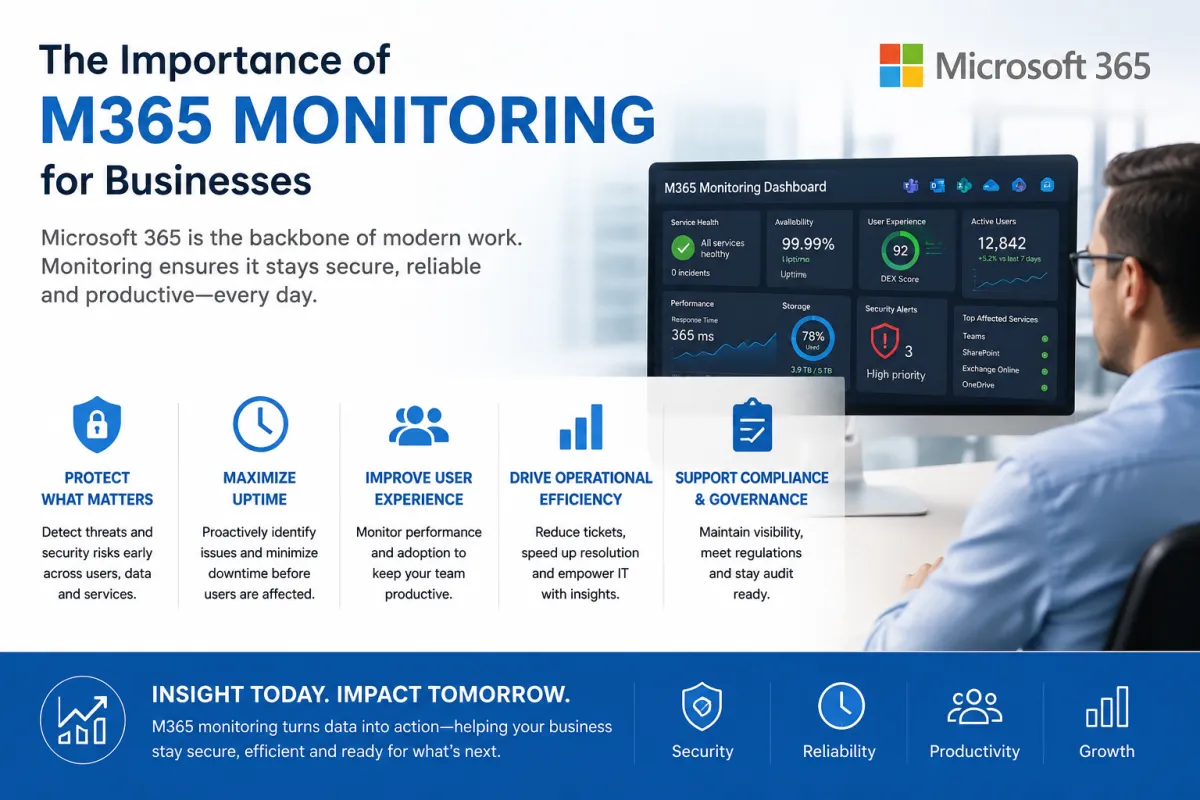
Continuous Microsoft 365 Security Posture Monitoring
Why Continuous Microsoft 365 Security Posture Monitoring Is Essential for Modern Businesses
Continuous Microsoft 365 Security Posture Monitoring
Microsoft 365 has become the backbone of modern business operations. From email and collaboration through Microsoft Teams to file storage in SharePoint and OneDrive, organisations rely on Microsoft 365 every day to keep employees productive and connected.
However, with this convenience comes significant responsibility. Microsoft provides a highly secure cloud platform, but the security of your Microsoft 365 tenant remains a shared responsibility. Incorrect configurations, inactive security features, excessive permissions, weak authentication policies, and changes made over time can all introduce security risks that cybercriminals are quick to exploit.
This is why continuous Microsoft 365 security posture monitoring has become one of the most important components of an effective cybersecurity strategy.
What Is Microsoft 365 Security Posture?
Your Microsoft 365 security posture is the overall health of your Microsoft 365 environment. It reflects how well your tenant is configured to protect users, devices, identities, applications and data from cyber threats.
A strong security posture isn't achieved by enabling a few security settings once. Instead, it requires ongoing monitoring, validation and improvement as your environment evolves.
Security posture monitoring looks beyond traditional antivirus or endpoint protection. It evaluates the configuration and operational state of your Microsoft 365 environment to identify weaknesses before attackers can exploit them.
The Threat Landscape Is Constantly Changing
Cyber threats targeting Microsoft 365 continue to increase every year. Attackers are no longer simply sending phishing emails—they are actively targeting identities, abusing OAuth applications, exploiting misconfigured sharing permissions, and attempting to bypass traditional security controls.
Even organisations with robust security policies can become vulnerable if configuration drift occurs over time. New users, new administrators, changes to Conditional Access policies, guest accounts, application permissions and collaboration settings all create opportunities for mistakes.
Without continuous monitoring, these risks can remain undetected for months.
Why One-Time Security Assessments Aren't Enough
Many organisations perform an annual security review or complete a Cyber Essentials assessment once a year. While these assessments are valuable, they only provide a snapshot of your environment at a specific point in time.
Microsoft 365 is constantly changing:
New users join the organisation.
Employees change roles.
Applications request new permissions.
Administrators modify security settings.
Microsoft introduces new security capabilities.
Business requirements evolve.
A tenant that was secure six months ago may no longer meet current security best practices.
Continuous monitoring helps identify these changes as they occur rather than waiting until the next audit and improves your overall Operational Visibility.
Key Areas That Should Be Monitored
Effective Microsoft 365 security posture monitoring should include a broad range of security controls.
Identity Security
Since identities are now the primary attack vector, organisations should continuously monitor:
Multi-Factor Authentication (MFA) coverage
Conditional Access policies
Legacy authentication usage
Risky user sign-ins
Privileged administrator accounts
Password policy compliance
Emergency ("break glass") accounts
Collaboration Security
Microsoft Teams, SharePoint and OneDrive introduce powerful collaboration features, but they also increase exposure if poorly configured.
Monitoring should include:
Anonymous sharing links
Guest user access
External collaboration settings
SharePoint sharing permissions
Teams guest policies
Public Microsoft 365 Groups
Email Security
Email remains the most common entry point for cyber attacks.
Regular monitoring should validate:
SPF, DKIM and DMARC configuration
Anti-phishing policies
Safe Links configuration
Safe Attachments policies
Mail flow rules
Mailbox forwarding rules
Shared mailbox permissions
Device Compliance
Your security posture should also consider the health of devices accessing Microsoft 365.
This includes monitoring:
Device compliance status
Encryption
Operating system versions
Microsoft Intune compliance policies
Defender protection status
Unmanaged device access
Administrative Security
Administrative accounts deserve special attention because they provide elevated access across the tenant.
Monitoring should identify:
Global Administrator count
Inactive administrator accounts
Privileged role assignments
Service accounts
OAuth application permissions
Administrative audit logs
The Cost of Poor Visibility
Many Microsoft 365 compromises occur not because security tools failed, but because organisations lacked visibility.
Common examples include:
A mailbox forwarding rule silently sending sensitive emails externally.
A former contractor retaining guest access months after leaving.
Multi-Factor Authentication disabled for privileged accounts.
Anonymous SharePoint links exposing confidential documents.
Applications granted excessive Graph API permissions.
Legacy authentication remaining enabled for forgotten accounts.
Each of these issues can exist without triggering obvious alerts.
Continuous posture monitoring helps identify these risks before they become security incidents.
Supporting Compliance Requirements
Many regulatory frameworks now expect organisations to demonstrate ongoing security management rather than point-in-time compliance.
Regular security posture monitoring supports compliance with standards such as:
Cyber Essentials
Cyber Essentials Plus
ISO 27001
NIST Cybersecurity Framework
CIS Microsoft 365 Benchmarks
GDPR
SOC 2
By continuously validating security controls, organisations can reduce audit preparation time while improving overall governance.
Benefits for Managed Service Providers
For Managed Service Providers (MSPs), security posture monitoring creates significant value for customers.
Instead of reacting to support tickets, MSPs can proactively identify security weaknesses, recommend improvements and demonstrate measurable security progress over time.
Security posture dashboards also provide excellent material for Quarterly Business Reviews (QBRs), allowing MSPs to show customers how their environment is improving and where further investment may be beneficial.
This shifts the conversation from reactive IT support to proactive cybersecurity management.
Moving from Reactive to Proactive Security
Modern cybersecurity is no longer about responding quickly after an attack—it is about preventing attacks from succeeding in the first place.
Continuous Microsoft 365 security posture monitoring enables organisations to:
Detect configuration drift
Identify newly introduced risks
Validate security best practices
Improve compliance
Reduce attack surface
Prioritise remediation activities
Demonstrate measurable security improvement
Rather than relying on annual audits or occasional reviews, organisations gain continuous insight into the health of their Microsoft 365 environment.
Conclusion
Microsoft 365 is one of the most business-critical platforms in use today, making it one of the most attractive targets for cybercriminals. Protecting it requires more than simply enabling security features—it requires continuous visibility into how those features are configured, maintained and evolving over time.
By adopting continuous Microsoft 365 security posture monitoring, organisations can identify weaknesses before attackers do, reduce their overall cyber risk, strengthen compliance, and build greater confidence that their cloud environment remains secure.
In today's rapidly evolving threat landscape, continuous security posture monitoring isn't simply an additional security measure—it is an essential part of protecting your business, your users and your data.
See how CIQ® Cloud provides continuous M365 security and visibility.