
OneDrive Sync Limit Increasing to 1 Million Files: What IT Teams Need to Know
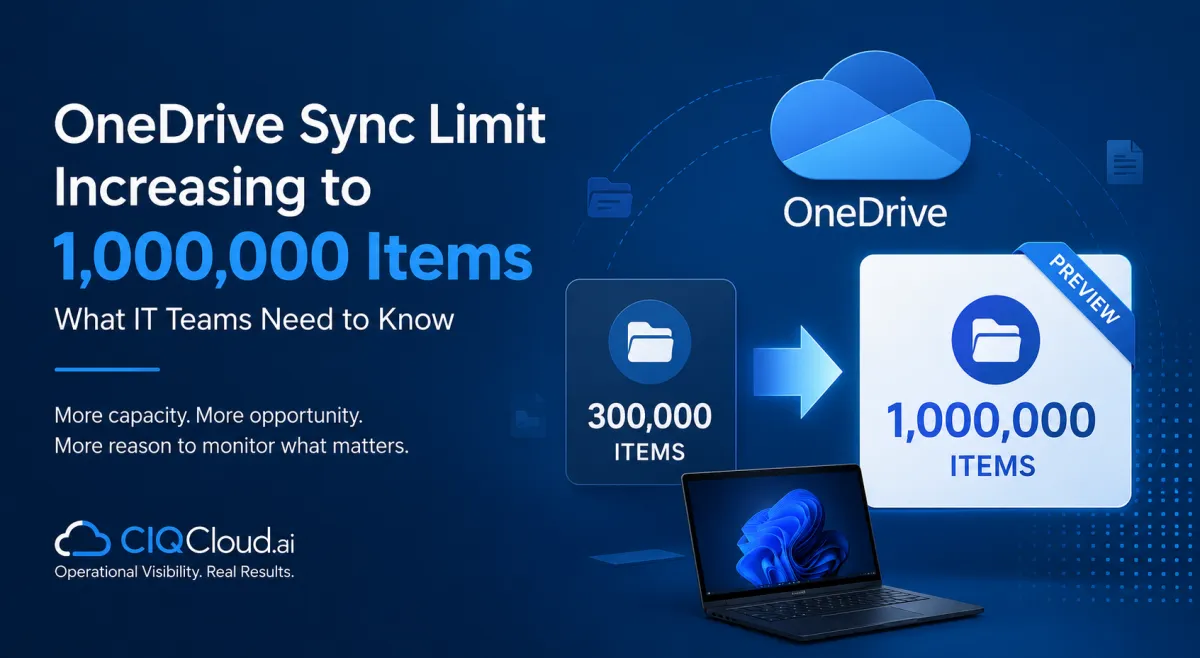
OneDrive Sync Limit Increasing to 1 Million Items: What IT Teams Need to Know
OneDrive Sync Limit Increasing to 1 Million Files: What IT Teams Need to Know
Microsoft is making a significant change to one of the most widely discussed limitations of OneDrive: the number of files and folders that can be reliably synchronised.
Historically, Microsoft has recommended syncing no more than 300,000 items across cloud storage for optimum performance. Organisations exceeding this level can encounter performance problems, even when not every item is actively being synchronised.
That is now beginning to change.
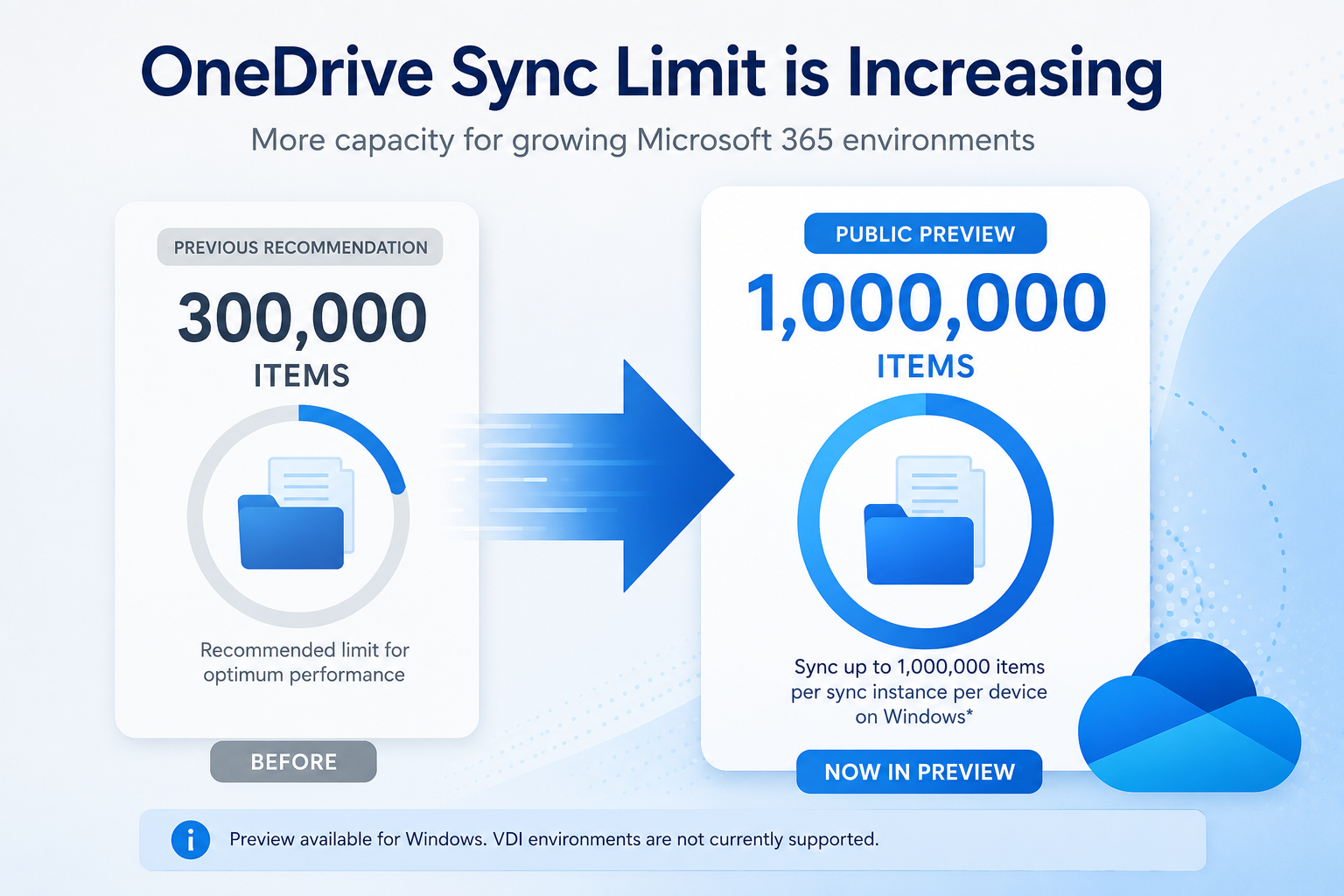
Microsoft has introduced public preview support for synchronising up to 1,000,000 items per sync instance per device on Windows, potentially giving organisations considerably more flexibility in how they use OneDrive and SharePoint.
For businesses with large document libraries and users working across extensive Microsoft 365 environments, this is a welcome improvement. But increasing the technical limit does not eliminate the underlying operational challenges associated with managing very large OneDrive environments.
In fact, it may make visibility into OneDrive usage even more important.
What Is Changing with the OneDrive Sync Limit?
The OneDrive sync client enables users to access files stored in OneDrive and SharePoint directly through Windows File Explorer.
As organisations increasingly move away from traditional file servers, users can accumulate very large numbers of files across their personal OneDrive storage and synchronised SharePoint document libraries.
Until now, Microsoft has recommended keeping the total number of synchronised items below approximately 300,000 for optimum performance.
Once environments grow beyond this point, users may experience slower synchronisation, increased processing time and other performance issues.
Microsoft is now previewing support for synchronising up to 1 million items per sync instance per device on Windows.
This represents more than a threefold increase in the number of items that can potentially be synchronised and could significantly improve the experience for organisations with large or complex file environments.
However, there is an important distinction between a supported limit and an optimal operating environment.
IT teams should not interpret the new 1 million-item capability as meaning that every user should routinely synchronise hundreds of thousands of files.
Why the Higher Limit Matters
The way businesses use Microsoft 365 has changed considerably.
OneDrive is no longer simply a location where individual users store a few documents. Combined with SharePoint and Microsoft Teams, it has become part of the core information infrastructure for many organisations.
A user may have their own OneDrive files while simultaneously synchronising multiple SharePoint document libraries associated with departments, projects and Microsoft Teams.
Over time, the total number of files visible to the OneDrive sync client can grow significantly.
This can be particularly challenging for long-standing Microsoft 365 tenants where years of documents, project files and shared data have accumulated.
Increasing the sync capability to 1 million items provides organisations with significantly more headroom and reduces the likelihood of users approaching the previous 300,000-item recommendation simply because of normal business growth.
It may also make migrations from traditional file servers to Microsoft 365 easier, particularly where organisations have large existing file structures.
A Higher Limit Does Not Remove the Need for Monitoring
While increasing the limit is good news, it also highlights an important operational question:
Do IT teams actually know how many files their users are storing and synchronising?
In many organisations, the answer is no.
Microsoft 365 environments can grow organically over many years. Users create files, Teams creates SharePoint sites, departments establish document libraries and data is migrated from legacy systems.
Without appropriate monitoring and visibility, IT teams may have little understanding of where the largest file repositories exist or which users and sites are approaching levels that could create operational problems.
The increase from 300,000 to 1 million items provides more capacity, but it can also allow underlying data management problems to grow for longer before they become visible.
This is why organisations should treat the new limit as additional headroom rather than a replacement for effective OneDrive management.
What Should IT Teams Be Monitoring?
Effective OneDrive monitoring should provide more than a simple view of whether the Microsoft 365 service is available.
IT teams need visibility into how OneDrive is actually being used across the organisation.
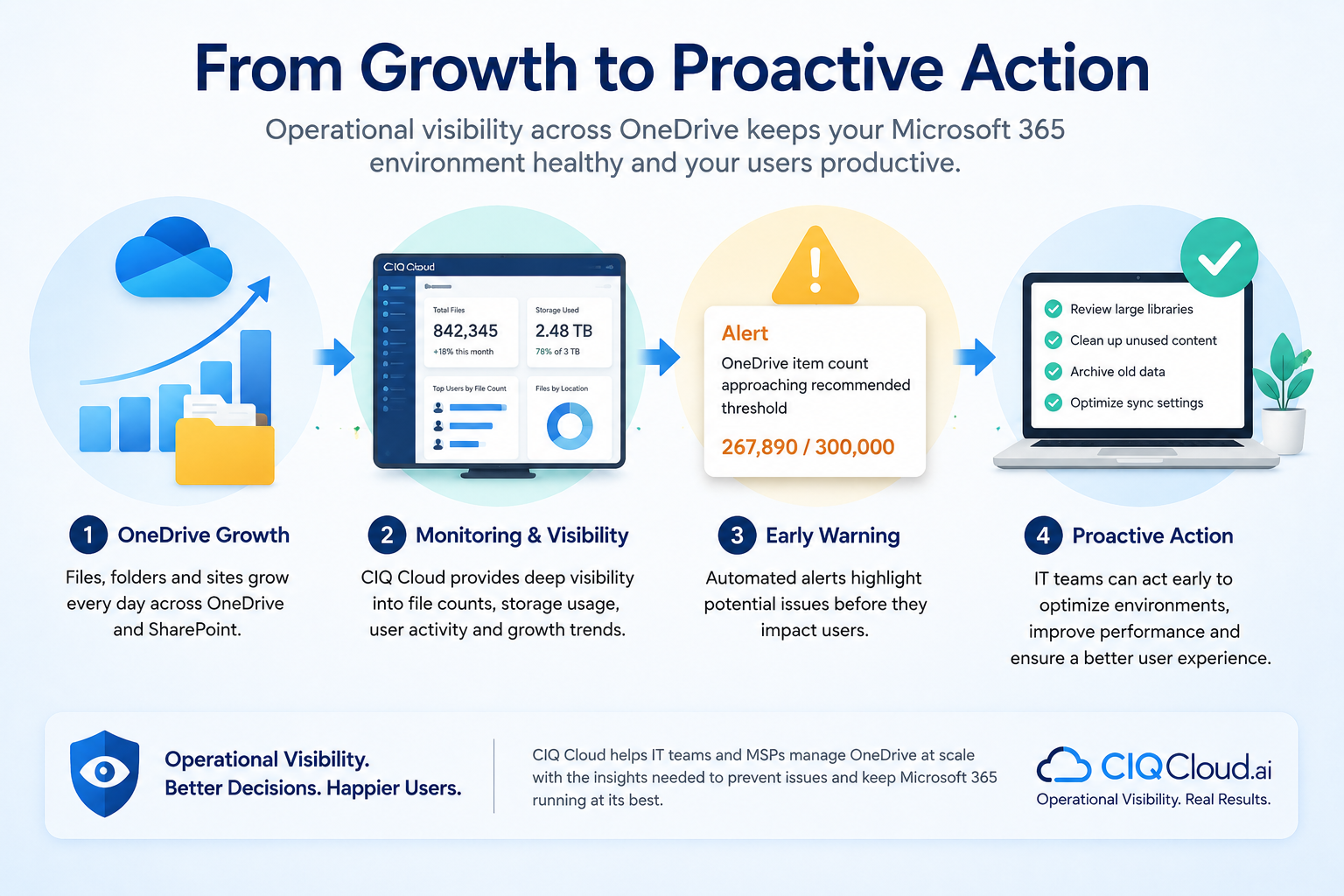
This includes understanding the number of files associated with users, identifying unusually large OneDrive environments, tracking storage consumption and recognising growth trends before they become operational problems.
Monitoring can also help identify inactive or potentially orphaned OneDrive accounts associated with users who have left the organisation.
For MSPs managing multiple Microsoft 365 tenants, this visibility becomes even more important. Manually reviewing individual Microsoft 365 admin portals does not scale effectively when dozens or hundreds of customer environments are involved.
A centralised operational view allows teams to identify the environments that require attention rather than waiting for users to report problems.
From Observability to Operational Visibility
The OneDrive sync limit change is a good example of why CIQ Cloud focuses on Operational Visibility.
Knowing that OneDrive is available is useful.
Knowing how OneDrive is being used across your organisation is significantly more valuable.
Operational Visibility means understanding not only whether a cloud service is running, but also the conditions that could lead to future problems.
For OneDrive, this means being able to identify users with unusually high file counts, understand storage consumption, monitor usage patterns and identify environments that may require investigation.
Instead of discovering a problem when a user reports that OneDrive is slow or failing to synchronise, IT teams can use monitoring data to identify potential risks earlier.
The goal is to move from reactive troubleshooting to proactive management.
What Does the 1 Million-Item Preview Mean Today?
It is important to remember that support for synchronising up to 1 million items is currently a public preview capability and is specifically available for Windows.
Microsoft also states that the preview does not support Virtual Desktop Infrastructure (VDI) environments.
Organisations should therefore review Microsoft's current requirements and limitations before making changes to their OneDrive deployment strategy based on the new capability.
The existing guidance around large numbers of synchronised files also remains relevant. File count is only one factor affecting the OneDrive user experience. Device performance, network connectivity, library structure and the number of changes being processed can all influence synchronisation performance.
The introduction of a higher supported sync limit should therefore be seen as increased scalability rather than a reason to stop managing file growth.
More Capacity Makes Visibility More Important
Increasing the OneDrive sync capability from 300,000 towards 1 million items is a significant improvement for organisations relying on Microsoft 365 for file storage and collaboration.
It provides greater flexibility, more room for organisational growth and potentially fewer limitations for users working with large document repositories.
But more capacity can also mean more complexity.
As Microsoft 365 environments continue to expand, IT teams need to understand how services such as OneDrive are being used—not simply whether they are available.
By monitoring file counts, storage consumption, user activity and growth trends, organisations can identify potential issues before they affect productivity.
CIQ® Cloud provides Operational Visibility across Microsoft 365 environments, helping IT teams and MSPs understand how cloud services are being used and identify areas that require attention.
As OneDrive scales to support increasingly large file environments, that visibility becomes an increasingly important part of effective Microsoft 365 management.